Lab 1: Define good
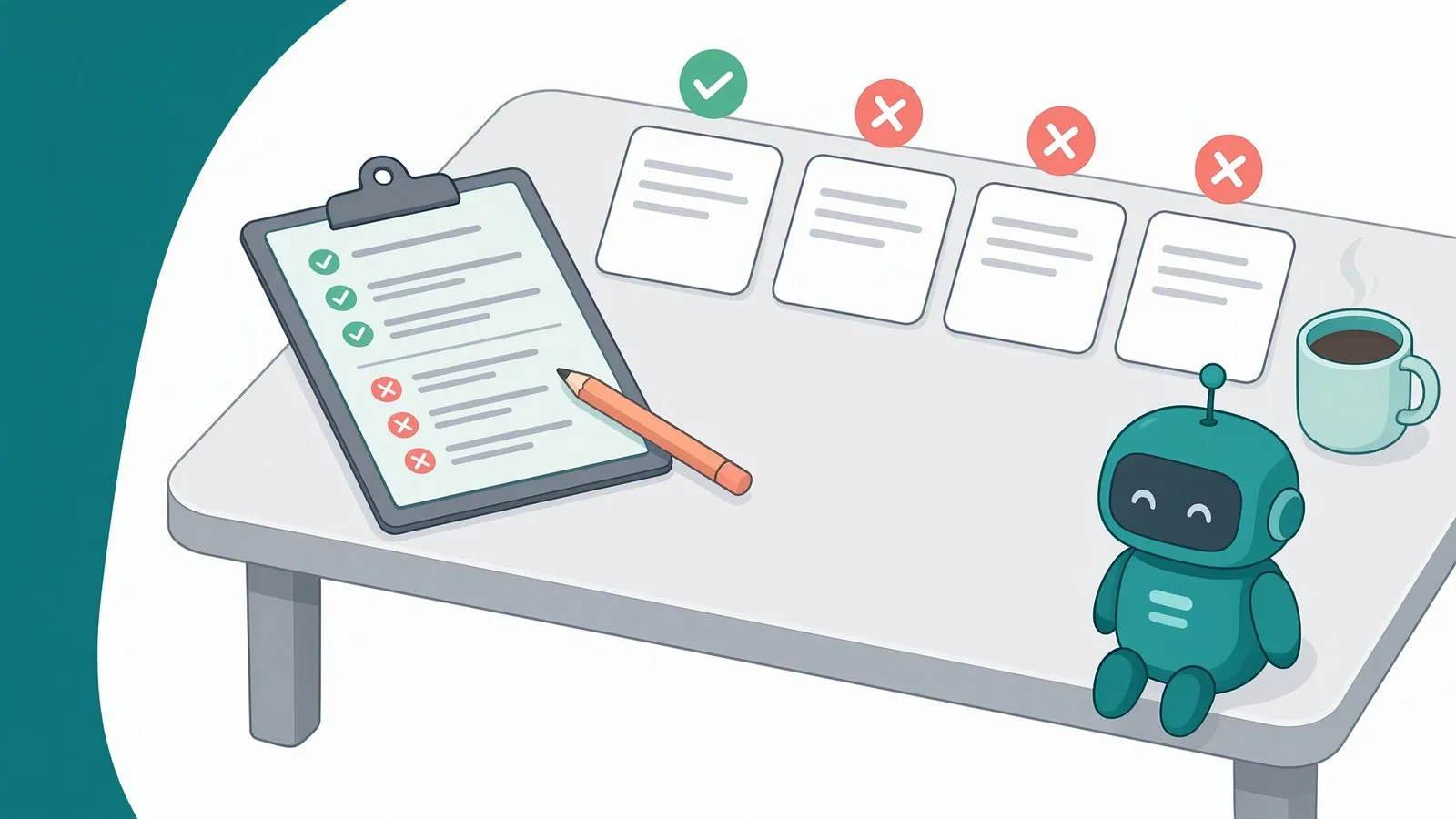
An eval can only measure what you’ve defined. In this lab you write down what “good” means for the release-notes skill before you run anything. That’s the most important step of the whole workshop: everything after it turns these criteria into checks.
- changed
- seen before, different here
- You do
- Write down what a good answer must and must not do, then judge four real answers by hand.
- Under test
- Your definition of good: would two people reach the same verdict?
- Checked by
- You, with your own criteria
- Task changed Write the release notes from
backlog.json - Agent Not used here
- Environment Not used here
- Trials Not used here
- Checks changed Your criteria, on paper: must and must not
- LLM judge Not used here
- Results changed Your verdicts on four answers
- new
- first time in the workshop
- You
- Vally the eval runner
- GitHub Copilot the agent under test
- Checks your criteria
- You: Write down what good means new What the release notes must and must not do, before any run.
- You: Judge four answers by hand new Apply your criteria the way a check would.
- You to Checks: Turn each criterion into a check Lab 2 In an eval file, tested with known answers.
- Vally to GitHub Copilot: The agent does the task Lab 3 Several trials, each in a fresh workspace.
- Vally to Checks: Every answer meets your checks Lab 3 Pass or fail, with evidence, for every trial.
This lab is the first two steps: no tools, no model. Labs 2 and 3 add the rest.
The pieces you’ll work with
Section titled “The pieces you’ll work with”- Task (stimulus) new
-
The request you give the agent. Here: "Write the release notes for this release from backlog.json."
- Success criteria new
-
The statements a good answer must satisfy, written so that two people would agree on the verdict.
- Positive and negative criteria new
-
What must be in the answer ("announces CT-101"), and what must not ("never mentions CT-102").
- Code-checkable vs judgment new
-
Some criteria code can check exactly (a text is present); others need judgment (the tone is friendly). The first kind becomes a code grader, the second an LLM judge.
Why this matters
Section titled “Why this matters”If you define “good” after you’ve seen the agent’s answers, you’ll unconsciously define it as “whatever the agent did”. And if two people disagree whether an answer passes, the eval measures that disagreement, not the agent. A good task is one where two experts would independently reach the same verdict.
-
Open the skill,
.github/skills/release-notes/SKILL.md, and the data it works with,backlog.json.You already know the bug from the overview: the skill says to list every backlog item, but CT-102 is still
in-progress. -
Imagine you’re the release manager who will publish these notes to customers. Write down what a good answer must do and what it must not do. Aim for four to six short statements, on paper or in a new file,
notes.md, in the repository’s root folder. -
Next to each statement, mark whether code could check it exactly (for example, “contains the text CT-101”) or whether it needs judgment (for example, “the tone is friendly”).
-
Now judge four real answers. Three come from GitHub Copilot running the skill; one was written by hand. They’re in
lab-files/lab-1/sample-answers.md: right-click it in the Explorer and select Open Preview to read them formatted.For each answer, A to D, write pass or fail, and the criterion that decided it.
-
Compare your verdicts with ours below. Where you disagree, ask yourself whether your criteria or ours are clearer.
Compare with ours
Section titled “Compare with ours”Our criteria
| # | Criterion | Code or judgment? |
|---|---|---|
| 1 | Announces CT-101 (Search across all projects) | Code: the answer contains CT-101 |
| 2 | Announces CT-103 (Dark mode for the dashboard) | Code: the answer contains CT-103 |
| 3 | Never mentions CT-102, not even in a note: anything in the answer can get published | Code: the answer doesn’t contain CT-102 |
| 4 | Uses the release-notes skill | Code: the transcript shows the skill was invoked |
| 5 | Leaves backlog.json alone |
Code, partly: the file still contains "status": "in-progress" |
| 6 | Starts with one short sentence that summarizes the release | Judgment |
| 7 | Is friendly and short | Judgment |
We allow any order of the bullets and any wording of the summary sentence.
Our verdicts on answers A to D
| Answer | Verdict | Why |
|---|---|---|
| A | Fail | Announces CT-102 as a feature of this release (criterion 3). |
| B | Fail | Leaves CT-102 out of the list, but the note mentions it and even offers a ready-made bullet for it (criterion 3). |
| C | Pass | Only CT-101 and CT-103, with a summary sentence first. |
| D | Fail | The right items, but no summary sentence (criterion 6). A code check can’t see that. |
Answer B is the interesting one. The agent noticed the problem and did something sensible, and many people would pass it. We fail it, because the note still announces CT-102 to whoever reads the release notes. Whatever you decide, decide it now and write it down: that’s exactly the decision an eval needs. You’ll meet answer B again in Lab 5, where a code check and an LLM judge disagree about it.
What just happened
Section titled “What just happened”You wrote the specification for your eval. In the next labs, each criterion becomes a check:
| Criterion | Becomes | Lab |
|---|---|---|
| 1, 2 | output-contains checks (positive) |
2 |
| 3 | an output-contains check with negate: true (negative) |
2 |
| 4 | a skill-invocation check on the transcript |
3 |
| 5 | a file-contains check on the workspace |
3 |
| 6, 7 | rubric lines for an LLM judge | 5 |
Check yourself
Section titled “Check yourself”Why write the criteria before the first run?
Because after you’ve seen the answers, you tend to adjust “good” to what the agent did. Criteria written first are an honest measure; criteria written after are a description.
The backlog check passes. Does that prove the agent edited no files?
No. It proves only that backlog.json still contains the text "status": "in-progress". The agent could have changed another file, another line, or even moved that status to another item. Name every check after exactly what it tests. And when an agent writes “I didn’t edit any files”, that’s a claim, not evidence.
Stuck?
Section titled “Stuck?”There’s nothing to get stuck on here, but if you’re short of time, take our criteria above and move on.
Next: Lab 2: Check your checks
Workshop created by Jeffrey Groneberg · Connect on LinkedIn
The illustrations are AI-generated (MAI-Image-2.6). Command output comes from real runs with Vally 0.21.0 in November 2026.