MCP, remote
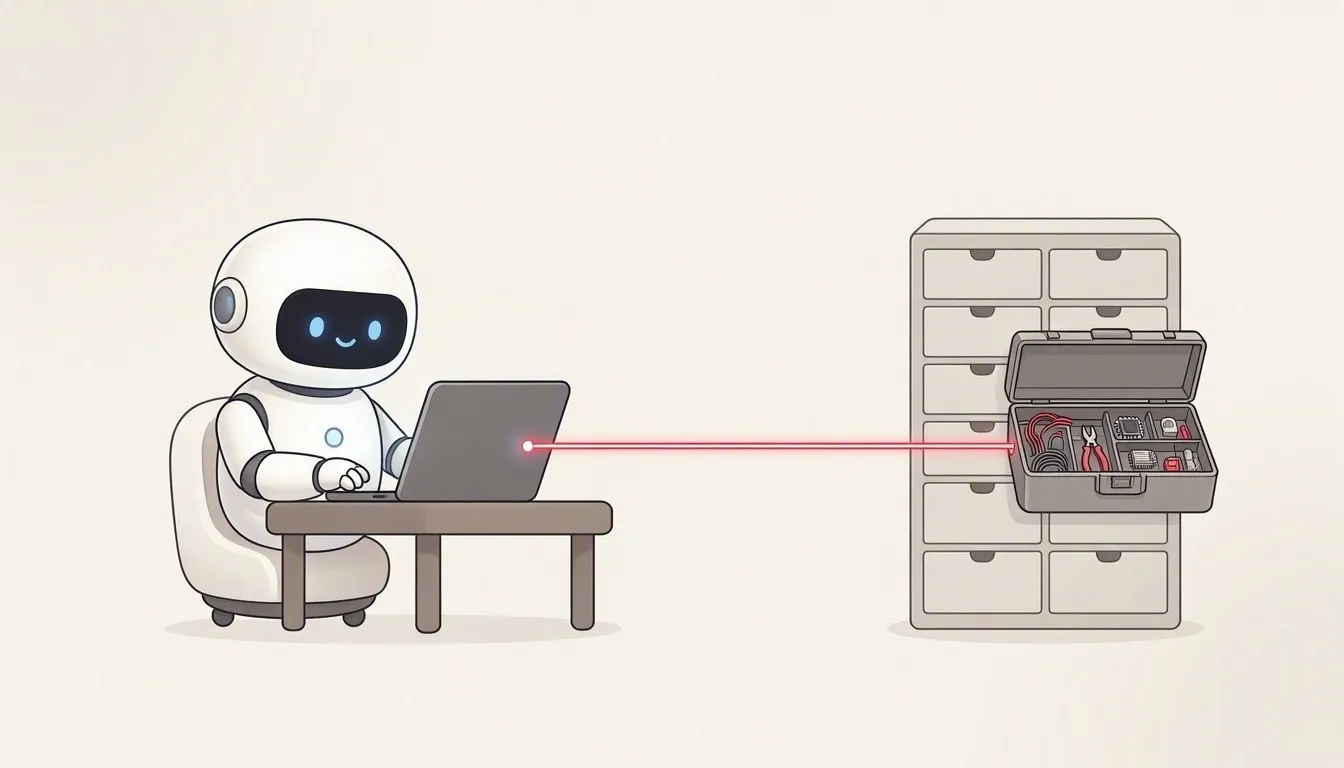
The same harness. No local process. The harness code is identical to local MCP; only the transport changes. Your model discovers the tools on the hosted Work IQ MCP server and chooses among them.
When to choose it
Section titled “When to choose it”Choose remote MCP for the harness pattern without shipping or running the Work IQ CLI: the harness talks to the hosted Work IQ MCP server over HTTPS. It signs in with the published Work IQ MCP client, or with your own app registration, so that consent prompts and sign-in logs show your tool’s name: see Remote MCP with your own registration.
Request path
Section titled “Request path”Your question > Deep Agents + your model (this app) > https://workiq.svc.cloud.microsoft/mcp > Work IQ toolsWho does the reasoning?
Section titled “Who does the reasoning?”The same Deep Agents loop, with the same read-oriented tools, as local MCP. In your own harness, the model can combine these tools with your other systems.
On the wire
Section titled “On the wire”Each MCP message is an HTTPS POST to https://workiq.svc.cloud.microsoft/mcp (Streamable HTTP), with a delegated token for the scope api://workiq.svc.cloud.microsoft/WorkIQAgent.Ask. The JSON-RPC messages are the same as over stdio; the MCP SDK adds the protocol’s own headers.
POST /mcp HTTP/1.1Host: workiq.svc.cloud.microsoftAuthorization: Bearer <delegated token>Content-Type: application/jsonAccept: application/json, text/event-stream
{"jsonrpc":"2.0","id":2,"method":"tools/call","params":{"name":"ask","arguments":{"question":"What did Sarah say about the launch date?"}}}
The app sends the token only to workiq.svc.cloud.microsoft and treats a redirect as an error.
Authentication
Section titled “Authentication”Browser sign-in uses the public client ID ba081686-5d24-4bc6-a0d6-d034ecffed87 and the callback port 12798 from the published Work IQ MCP plugin, unless you enter your own registration when you connect. The model signs in with Microsoft Entra ID through DefaultAzureCredential, or with an API key. Tenant consent still applies. See Authentication.
What it costs
Section titled “What it costs”The same two charges as local MCP: Copilot Credits for the Work IQ calls, and your model’s tokens. The app counts no credits for the MCP handshake or tools/list. See Copilot Credits.
Try it in the app
Section titled “Try it in the app”- Open the MCP server tab, choose Remote and click Connect.
- Leave Directory (tenant) ID and Application (client) ID empty to use the published Work IQ MCP client, or enter your own registration.
- Enter your model and check it with Test model.
- Click Connect and finish the sign-in in your browser. The published client returns to port 12798 on your computer.
- Ask a question and follow each call in Flow.
The code
Section titled “The code”The harness is src/harness.js. src/workiq/mcp.js adds the token to each request, and src/auth.js signs in with MSAL.
The illustrations are AI-generated (MAI-Image-2.6). The screenshots and the demo show example data.