Compare the routes
The app shows three ways to build Work IQ into your own tools, with MCP in two transports. All of them reach the same Work IQ over Microsoft 365 data. They differ in who does the reasoning, how they sign in and what they cost. Every route also needs Work IQ enabled in the tenant and a usage-based billing plan with the user assigned: see What you need.
Side by side
Section titled “Side by side”| MCP, local | MCP, remote | A2A | REST API | |
|---|---|---|---|---|
| Transport | MCP over stdio, to the Work IQ CLI | MCP over Streamable HTTP, to the hosted Work IQ server | A2A 1.0 JSON-RPC over HTTPS | Two JSON calls over HTTPS |
| Who reasons | Your harness and model | Your harness and model | The Work IQ agent | Work IQ |
| Your own model | Needed | Needed | Not needed | Not needed |
| Sign-in | The CLI, with its own registration | The published Work IQ MCP client, or your registration | Your public-client registration | Your public-client registration |
| Work IQ meter, estimated | 0.1 credit per Tools API call; ask variable | As local | Chat, variable | Chat, variable |
| Best for | A desktop harness that picks the tools | The same harness, without a local process | Handing a task to a Work IQ agent | A grounded chat inside your app |
Which one?
Section titled “Which one?”- Your harness and model should decide which Work IQ tools to call: MCP. Use local when the CLI’s sign-in suits you, and remote to avoid a local process.
- Your agent should hand over a task and get an answer back: A2A.
- Your app needs a grounded chat and nothing more: the REST API.
- You need exact data rather than prose: the MCP data tools,
fetchandcall_function. Changes also need tenant policy: see Capabilities. - There’s no signed-in user, or you move data in bulk: Microsoft Graph directly, because Work IQ is delegated only. See Work IQ vs. Microsoft Graph.
The routes
Section titled “The routes”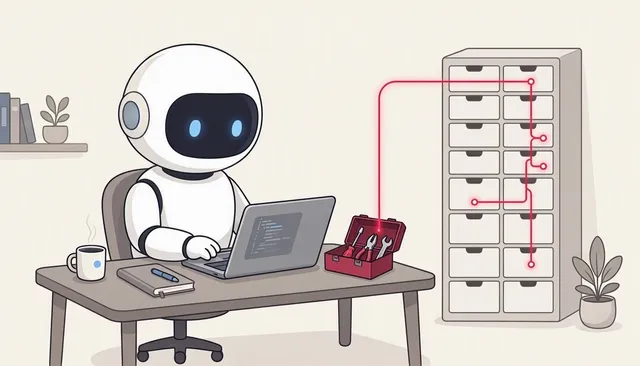 MCP, localYour harness and model, with Work IQ tools through the local CLI.
 MCP, remoteThe same harness, calling the hosted Work IQ MCP server.
 A2ADelegate a task to a Work IQ agent and keep its context.
 REST APIA conversation with Work IQ in two HTTP calls.
 Capabilities What each route can read, create, update and delete.
Work IQ vs. Microsoft Graph When to let the model look things up, and when to call Graph yourself.
The illustrations are AI-generated (MAI-Image-2.6). The screenshots and the demo show example data.