Live chats over your data
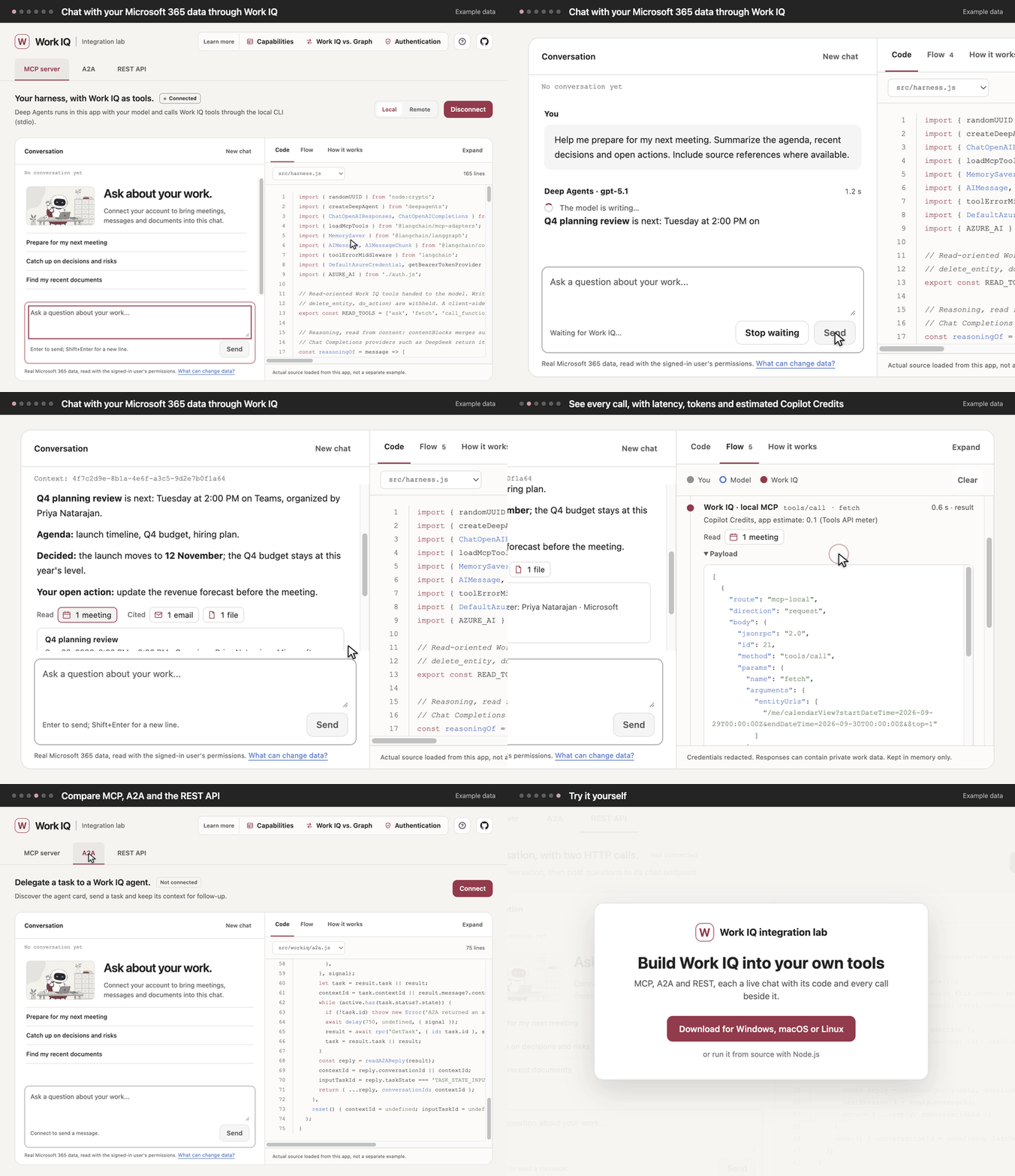
Each route is a real chat over Microsoft 365 data, read with the signed-in user’s permissions. There are no sample answers.
Live chats over your data
Each route is a real chat over Microsoft 365 data, read with the signed-in user’s permissions. There are no sample answers.
Every call in view
Flow shows each step between you, the model and Work IQ, with latency, tokens, a Copilot Credits estimate and the raw payloads.
The code that runs it
Code shows the app’s actual source beside the chat: a Deep Agents harness, A2A JSON-RPC and two REST calls.
Three routes, side by side
MCP, local or remote, with your own model; A2A to delegate a task; REST for a grounded chat inside your app.
Sign-in, explained
What each route needs to sign in, what an admin grants once, and the recommended setup for your own tool.
Windows, macOS and Linux
Download the app for x64 or Arm, or run it from source with Node.js.
Every route needs a Microsoft 365 tenant with Work IQ enabled and a usage-based billing plan; both MCP routes also need a model with tool calling. See What you need.
The illustrations are AI-generated (MAI-Image-2.6). The screenshots and the demo show example data.