MCP, local
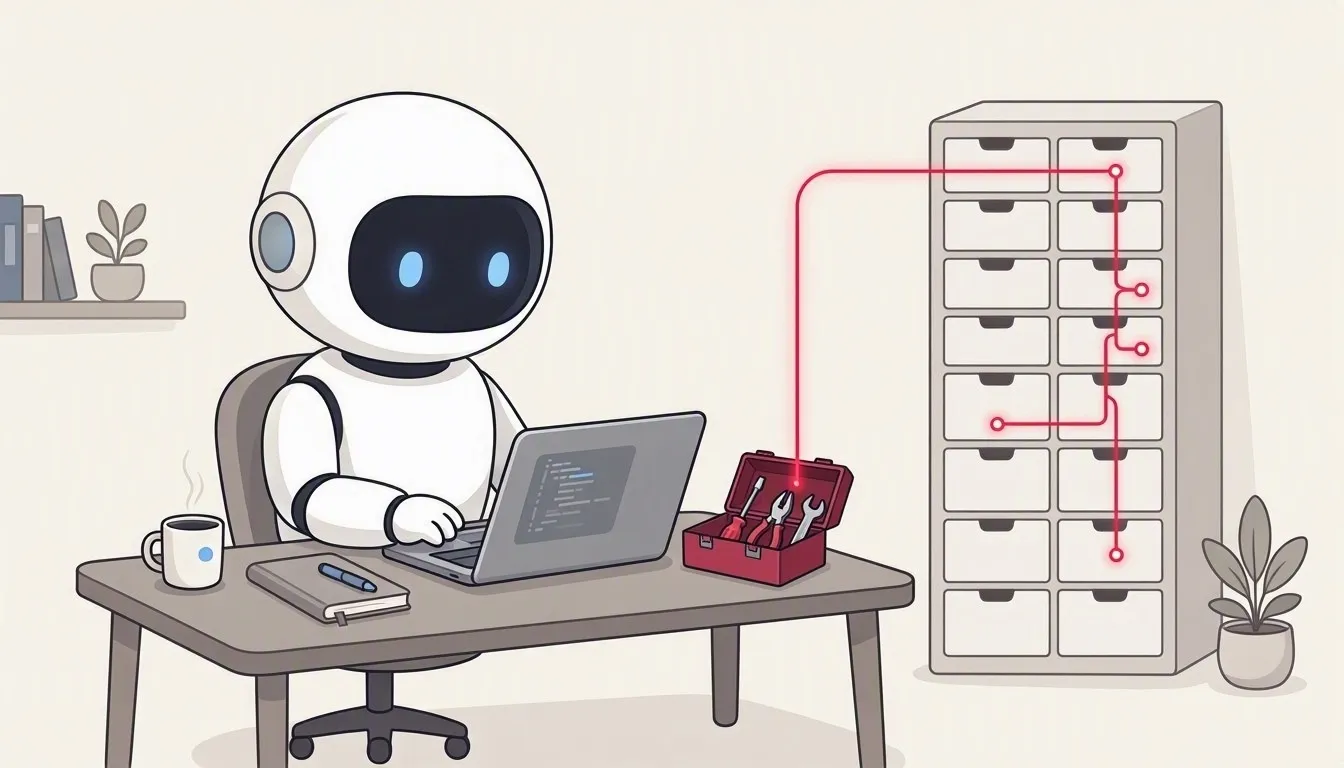
Your harness, with Work IQ as tools. A Deep Agents harness runs in the app. Your model reads the Work IQ tools that the local Work IQ CLI offers over stdio, decides which to call and writes the answer, which streams in as the model writes it.
When to choose it
Section titled “When to choose it”Choose local MCP when your own harness and model should decide which Work IQ tools to call, and the harness runs on the user’s computer. The Work IQ CLI signs the user in with its own app registration, so you need none of your own. In return, each user installs the CLI and accepts its EULA, and your tool runs an extra process.
Request path
Section titled “Request path”Your question > Deep Agents + your model (this app) > local Work IQ CLI (MCP over stdio) > hosted Work IQ serviceWho does the reasoning?
Section titled “Who does the reasoning?”The harness: tool choice, planning, memory and the final answer happen here. Work IQ supplies the tools; its ask tool still reasons with Copilot. The app gives the model only the read-oriented tools: ask, fetch, call_function, search_paths, get_schema and list_agents. See Work IQ MCP tools.
On the wire
Section titled “On the wire”The app starts the CLI as a child process, workiq mcp, with --account <email> when you set a CLI account. It then exchanges MCP JSON-RPC messages over the CLI’s stdin and stdout: initialize, notifications/initialized and tools/list, then one tools/call for each tool the model picks.
{ "jsonrpc": "2.0", "id": 2, "method": "tools/call", "params": { "name": "ask", "arguments": { "question": "What did Sarah say about the launch date?" } }}ask returns its answer as text in content; data tools such as fetch return the data in structuredContent. The CLI signs in and calls the hosted Work IQ service itself, so your process never holds a Work IQ token. Before the first call, the user accepts the CLI’s license with workiq accept-eula; workiq auth login signs in ahead of time.
Authentication
Section titled “Authentication”Two sign-ins. The Work IQ CLI uses its own app registration and token cache; your tenant’s admin consent still applies. The model signs in with Microsoft Entra ID through DefaultAzureCredential, on Azure endpoints only, or with an API key. See Authentication.
What it costs
Section titled “What it costs”Two separate charges can apply:
- Copilot Credits for the Work IQ calls, estimated at 0.1 credit for each Tools API call, such as
fetch, and a variable amount forask. - Tokens for your model, billed by its provider. With Azure OpenAI they’re on your Azure bill, and reasoning tokens are billed as output tokens.
The CLI needs a usage-based billing plan with the user assigned, and the app estimates local calls on the same meters as remote ones. See Copilot Credits.
Try it in the app
Section titled “Try it in the app”- Install the Work IQ CLI once with
npm install -g @microsoft/workiq; see the Work IQ CLI for local MCP. When you run the app from source, it comes with the dependencies. - Open the MCP server tab, choose Local and click Connect.
- Enter your model’s endpoint, model name, API and authentication. Test model checks them with one short call.
- The first time, click Accept CLI EULA. Sign in to CLI runs
workiq auth login. - Click Connect and ask a question. Flow shows each model step and tool call with its latency, tokens and estimated Copilot Credits.
The code
Section titled “The code”The harness is src/harness.js. src/workiq/mcp.js starts the CLI and connects to it, and src/workiq/cli.js finds it on the computer.
The illustrations are AI-generated (MAI-Image-2.6). The screenshots and the demo show example data.