Capabilities
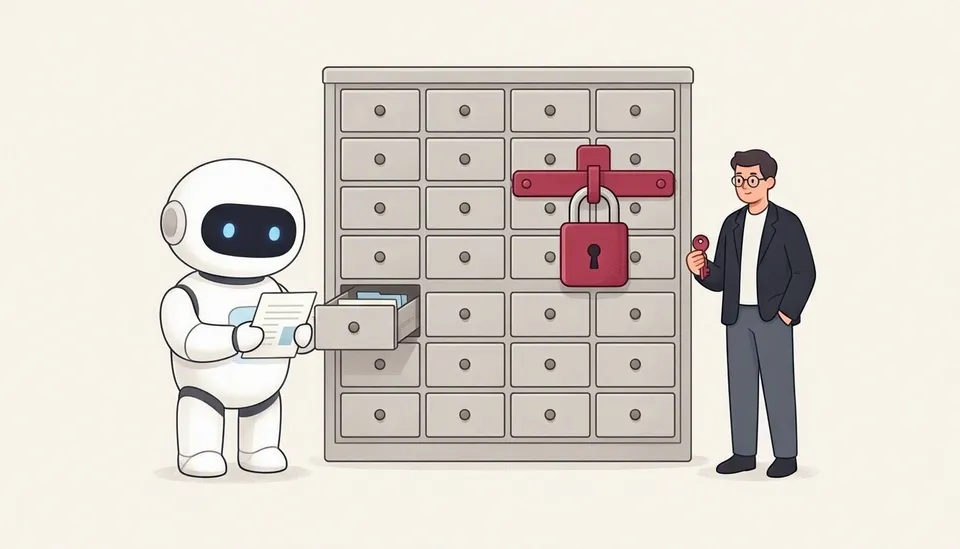
Every route reads Microsoft 365 data with the signed-in user’s permissions. What else each one can do:
- Yes supported.
- Off by default a tenant admin can allow supported scenarios.
- Not documented not described for this route yet.
- tbd to be determined.
| Capability | MCP (local and remote) | A2A | REST API |
|---|---|---|---|
| Answers in natural language | Yes ask | Yes SendMessage | Yes chat |
| Structured data by path | Yes fetch, call_function | tbd | tbd |
| Download a file | Yes fetch_blob, up to 4 MB | Not documented | Not documented |
| Create | Off by default create_entity | tbd | tbd |
| Update | Off by default update_entity | tbd | tbd |
| Delete | Off by default delete_entity | tbd | tbd |
| Actions, such as sending mail | Off by default do_action | tbd | tbd |
Allowing changes
Section titled “Allowing changes”Changes through MCP need the tenant admin’s allowance in the Work IQ MCP policy: Microsoft 365 admin center › Agents › Tools › Work IQ MCP. The signed-in user’s own Microsoft 365 permissions always apply. The app’s harness gives the model only the read tools; see Work IQ MCP tools.
The illustrations are AI-generated (MAI-Image-2.6). The screenshots and the demo show example data.